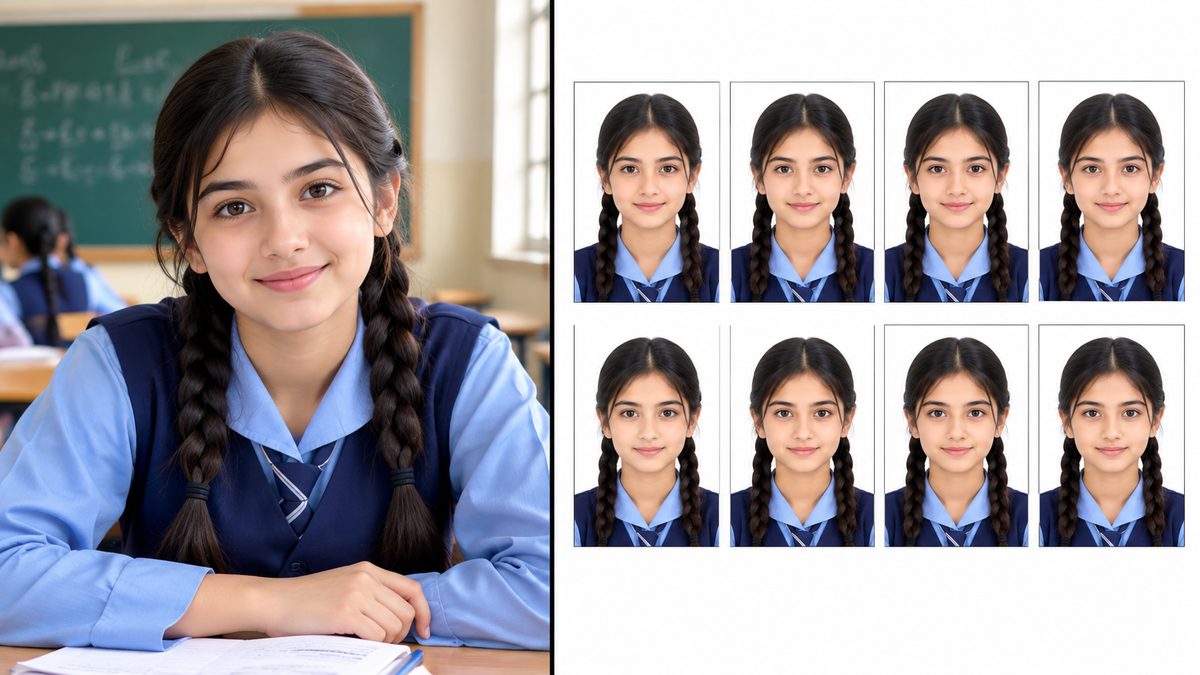
Photo studios charge for every print, and you still have to travel there. With a phone camera and PixKitTools' Resizer & Passport Photo Maker you can make a proper ID photo at home in minutes — and print a whole sheet of copies at once.
Take a photo that will pass
- Stand against a plain white or light wall, facing the camera straight on.
- Keep a neutral expression, eyes open, mouth closed.
- Avoid shadows on your face and on the wall behind you — stand a step away from the wall and face a window or a lamp.
- No hats, and no glasses with glare. Use a recent photo, not one from years ago.
Make the passport photo in 5 steps
- Open the Resizer & Passport Photo Maker.
- Upload your photo.
- Choose the preset you need: Passport 35x45 mm, Passport 2x2 inch, or Passport 1.5x2 inch.
- Adjust the crop so your face is centred and fills the frame, and keep 300 DPI for a sharp print.
- Download the single photo — or choose the print sheet option to place 6 copies on one 4x6 inch or A4 page, so one print gives you spares.
Print it right
- Use photo paper if you have it; plain paper works for practice prints.
- Print at actual size (100%) — do not let the printer "fit to page", or the size will be wrong.
- Cut along the guides with a ruler and a sharp blade for clean edges.
One honest warning
Sizes and rules vary by country and by document. Always check the official requirements for your passport or ID before printing — this guide covers the common sizes, but your issuing authority has the final word.