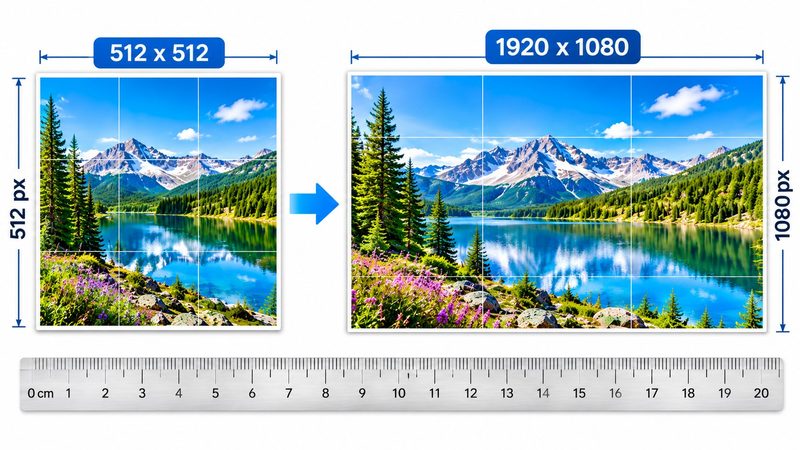
Forms, apps and platforms don't ask for "about 500 pixels" — they ask for exactly 512 × 512, exactly 1920 × 1080, exactly 1080 × 1080. A photo that is one pixel off gets rejected or looks wrong. PixKitTools' Exact Size Resizer makes any photo exactly the size you need, free in your browser.
Resize in 3 steps
- Open the Exact Size Resizer.
- Upload one photo, or a whole batch.
- Pick a preset — 512 × 512, 1920 × 1080, 1280 × 720, 1080 × 1080, 1200 × 630 and more — or type your own custom width and height. Download one file, or the batch as a ZIP.
Popular exact sizes
- 512 × 512 — app icons, profile pictures and avatars.
- 1920 × 1080 — Full HD wallpapers, YouTube videos and presentation slides.
- 1280 × 720 — HD thumbnails and video covers.
- 1080 × 1080 — Instagram square posts.
- 1200 × 630 — the social-share image that shows when someone links your page on Facebook or X.
Never stretched — cropped to fit
Most resizers stretch your photo to the target size, and people come out looking squashed or stretched. PixKitTools never stretches: it cover-crops instead, cutting the edges so the photo fills the exact size at its natural proportions. The subject stays the right shape — you just lose a little of the edges. If the crop cuts something important, crop the photo yourself first with the Image Cropper, then resize.
Batch resize
Add a whole folder of photos, pick one size, and download them all as a ZIP. Product photos, a full set of thumbnails, or a class of ID photos — one size, one download, done.
Is it really free?
Yes. All 22 PixKitTools tools are free with no signup, no watermark and no daily limit, and your photos never leave your device.