PixKitTools Blog — Photo Tips & How-Tos
Short, practical guides that show you how to get the most from PixKitTools' free tools — one guide for every tool.
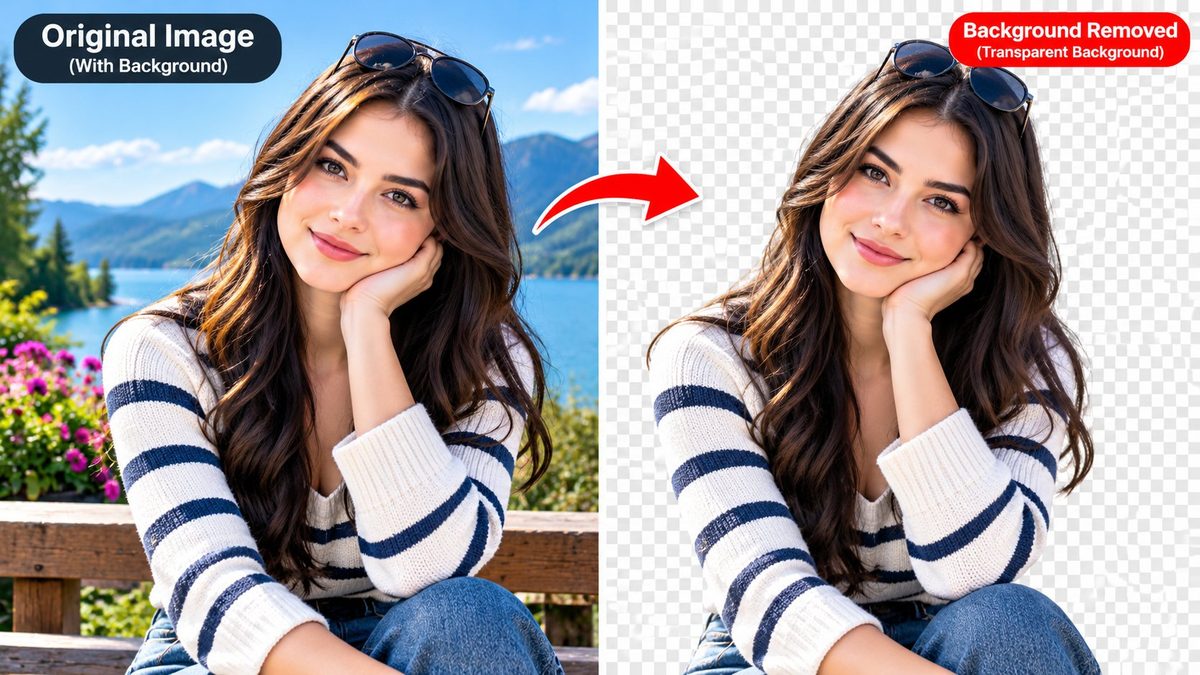
How to Remove Background Free
Remove background free online: remove any photo background in your browser and download a transparent PNG — no signup, no upload.
Read guide →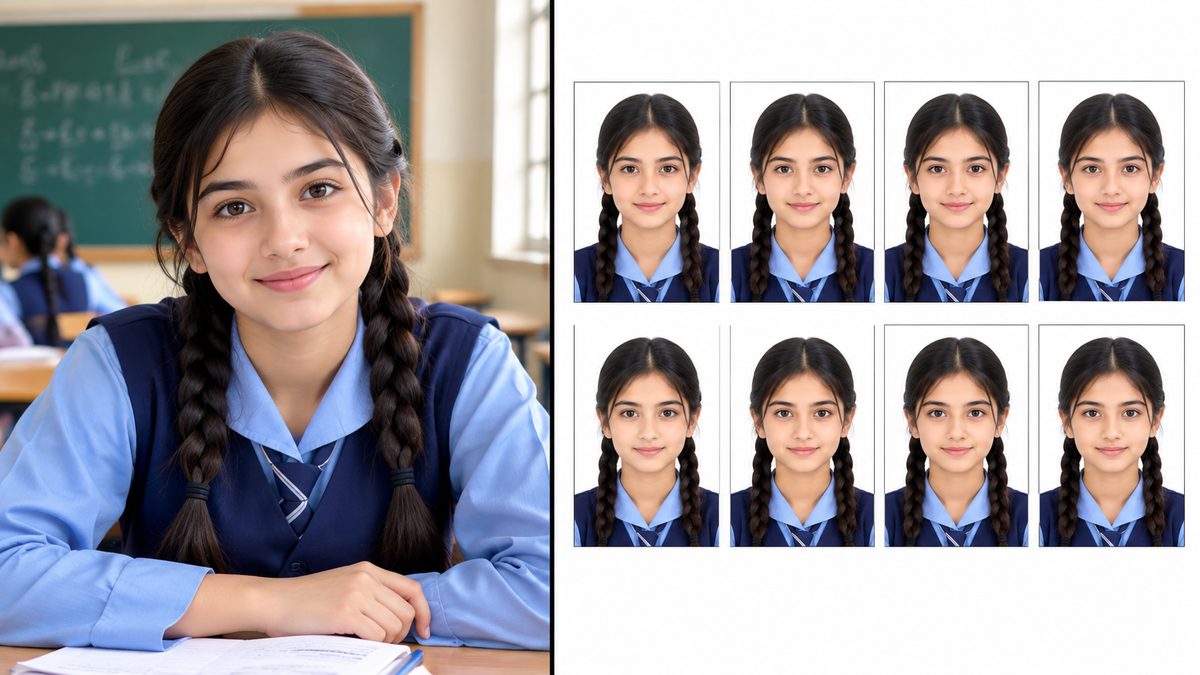
How to Make a Passport Photo at Home
Make a passport photo at home in minutes: pick the right size, crop it properly, and print 8 copies on one 4x6 or A4 sheet. Free, no studio visit.
Read guide →HEIC to JPG: Why iPhone Photos Won't Open
iPhone saves photos as HEIC, and Windows often can't open them. Learn what HEIC is and convert HEIC to JPG free in your browser — batch and ZIP included.
Read guide →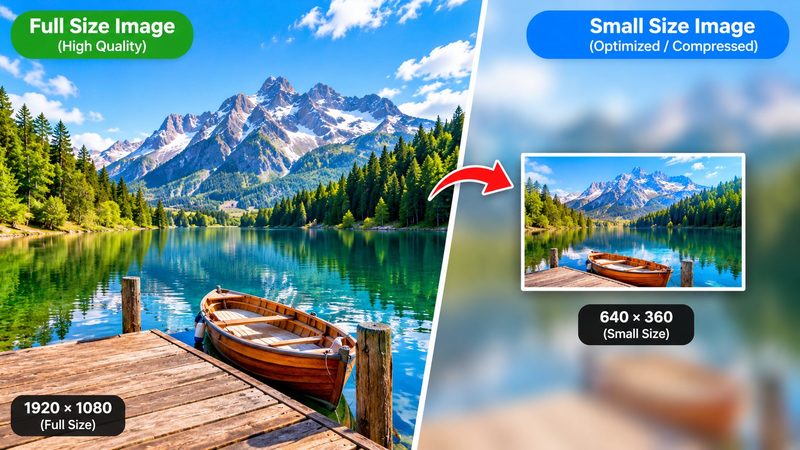
How to Compress Image Online Free
Compress image online free: shrink JPG, PNG or WebP photos to 20 KB, 50 KB or 100 KB for forms and portals — no signup.
Read guide →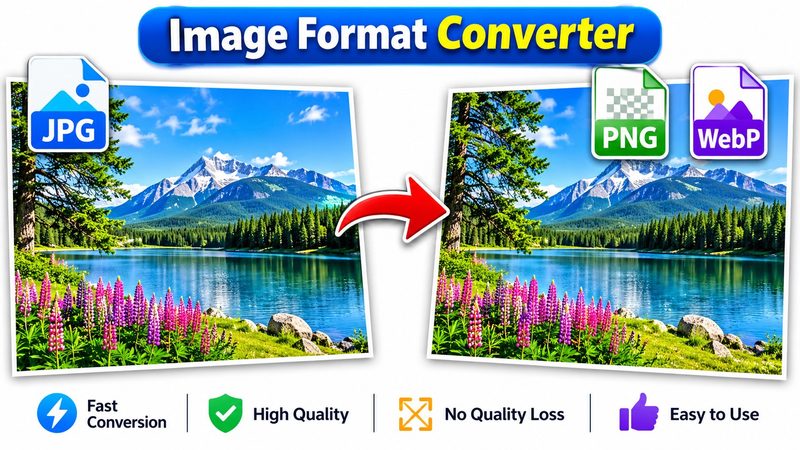
JPG to PNG Converter Online Free
JPG to PNG converter online free: convert JPG to PNG, or switch between JPG, PNG, WebP and AVIF in bulk. No signup, no upload.
Read guide →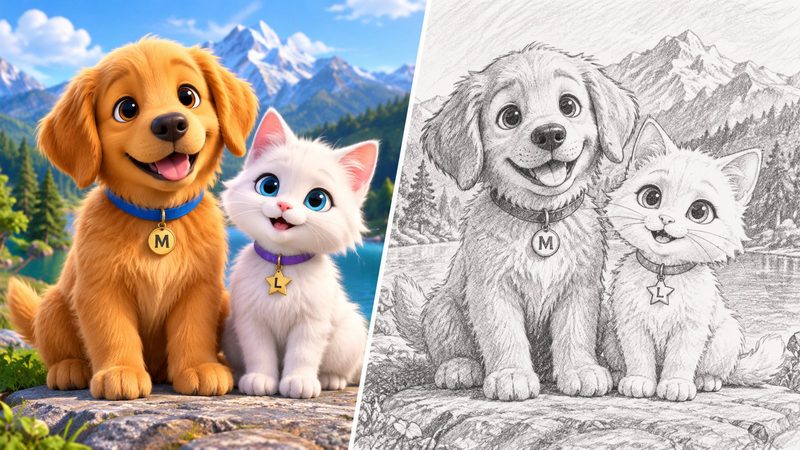
How to Turn a Photo to Sketch Free
Photo to sketch online free: turn any photo into a pencil sketch, colour sketch, cartoon or ink line drawing — no app, no signup.
Read guide →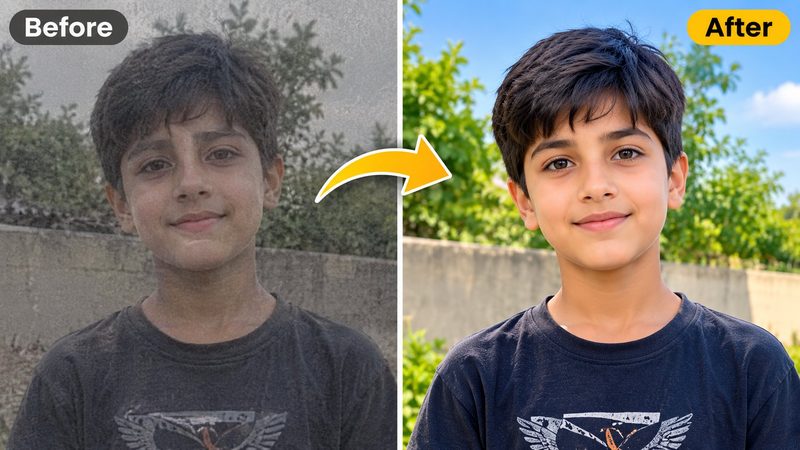
How to Enhance Photo Quality Online Free
Enhance photo quality online free: fix dull colours, dark lighting and soft details in one click — or fine-tune it yourself with live sliders. No signup, no upload.
Read guide →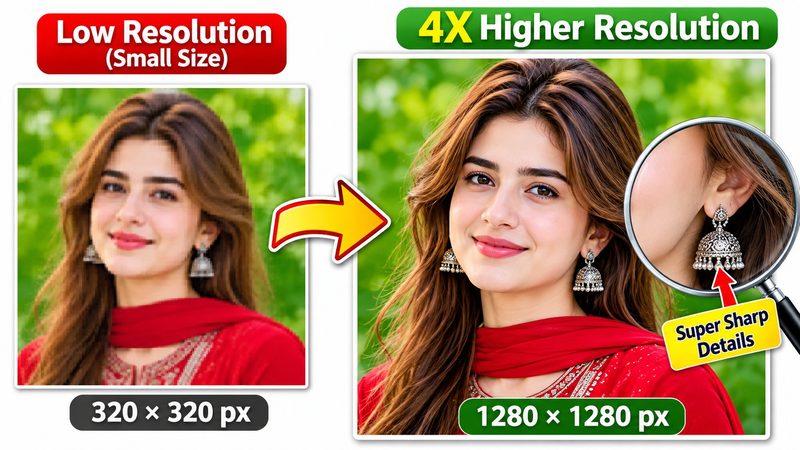
How to Upscale Image Online Free
Upscale image online free: make a small photo 2x or 4x bigger with detail sharpening — right in your browser, no signup.
Read guide →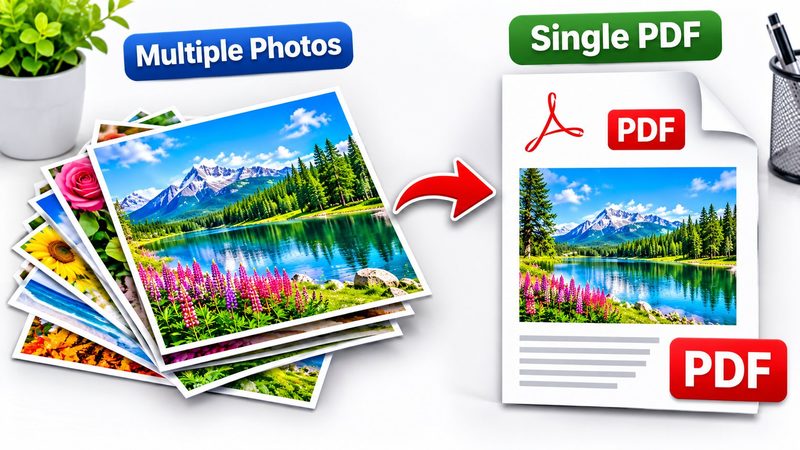
JPG to PDF Converter Online Free
Convert JPG to PDF online free: merge photos into one PDF with A4, Letter or Legal page size and portrait or landscape layout. No signup, no upload.
Read guide →
How to Add Watermark to Photo Free
Add watermark to photo online free: your own text, size, colour, opacity and position — or tile it across the photo.
Read guide →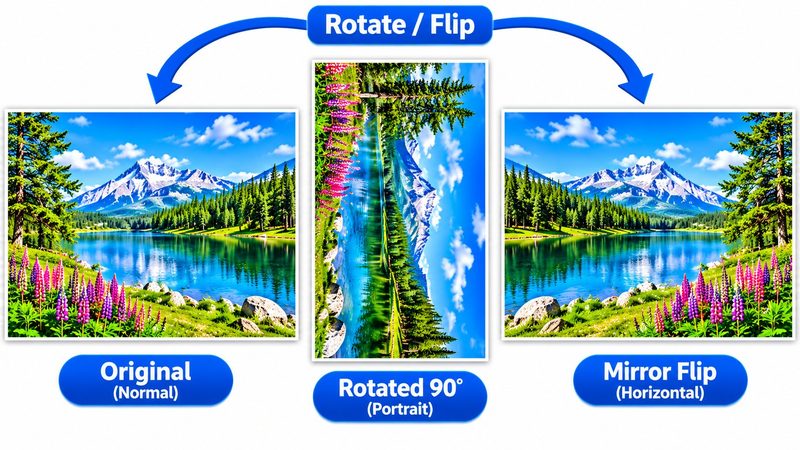
How to Rotate Image Online Free
Rotate image online free: fix sideways photos with quarter turns or any custom angle, and flip or mirror them.
Read guide →
Meme Maker Online Free
Meme maker online free: add classic bold top and bottom captions to any photo and share it in seconds. No signup.
Read guide →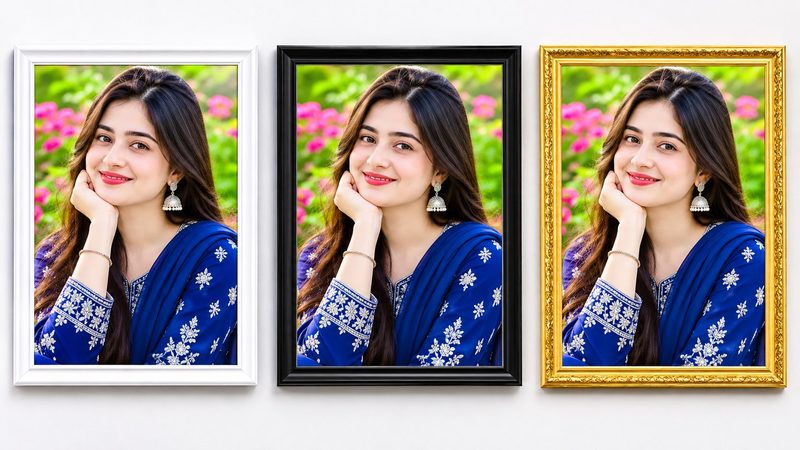
How to Add Border to Photo Free
Add border to photo online free: pick the width and any colour for a clean frame — for printing, sharing or social media.
Read guide →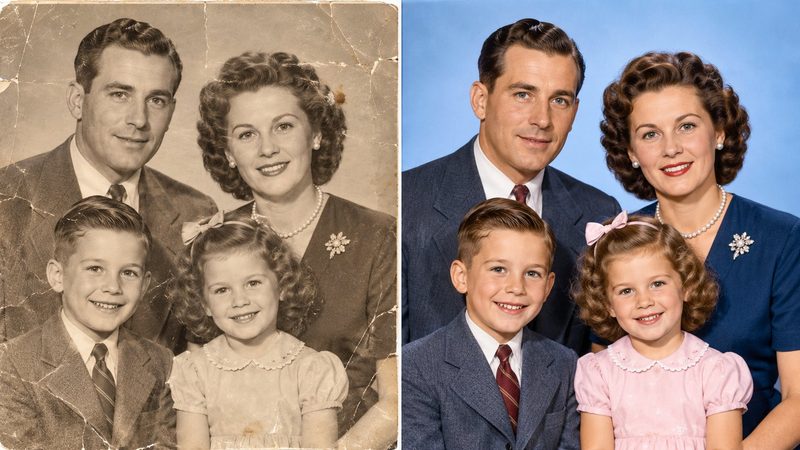
How to Colorize Black and White Photos
Colorize black and white photos free online with AI: bring old family photos to life in your browser. No signup, no upload — colours are AI guesses.
Read guide →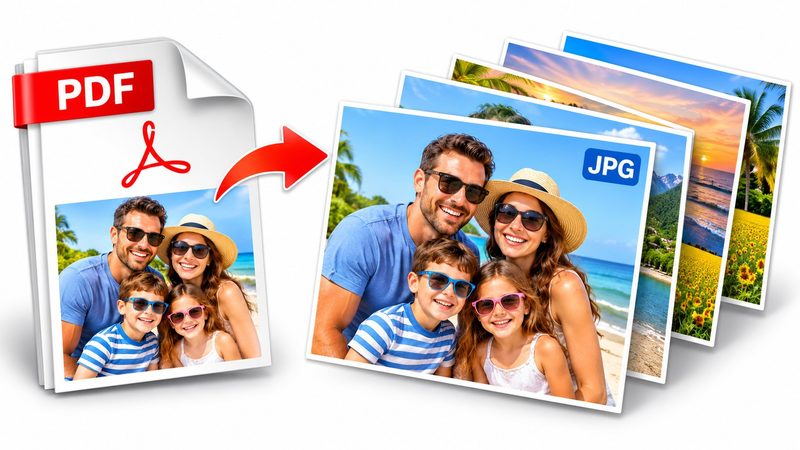
PDF to JPG Converter Online Free
Convert PDF to JPG online free: turn every PDF page into a JPG or PNG image at 150 or 300 DPI — pick a page range and download as a ZIP. No signup, no upload.
Read guide →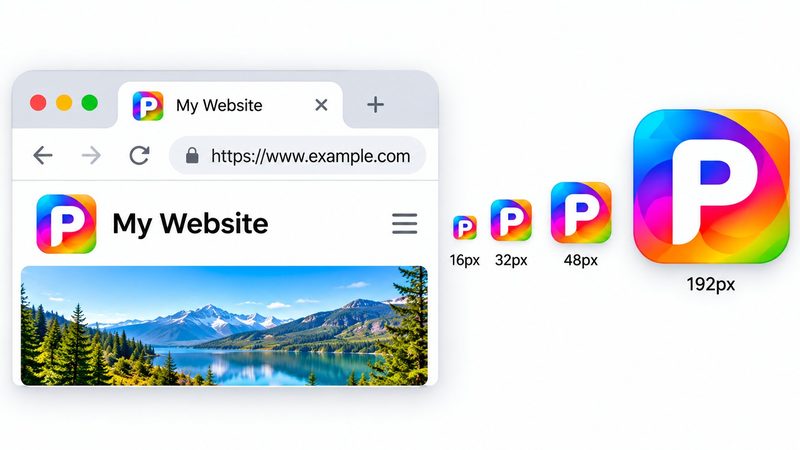
Favicon Generator: Make a Favicon Free
Favicon generator free online: make a favicon for your website — 16, 32, 48, 180, 192 and 512 px icons plus a web manifest.
Read guide →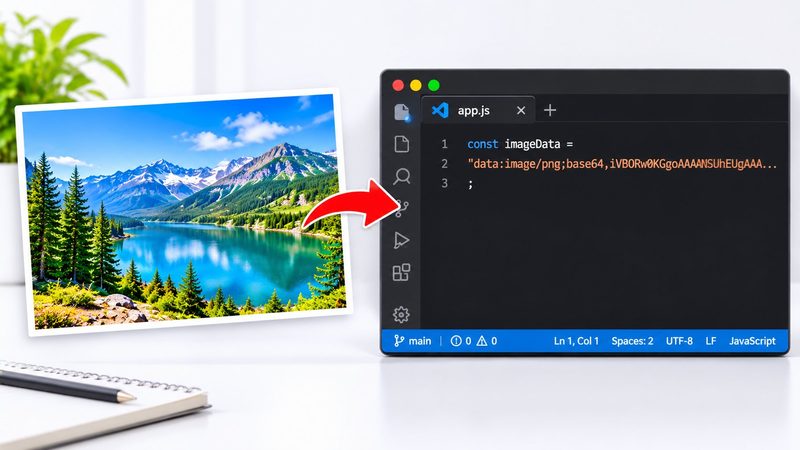
Image to Base64 Converter Online Free
Convert an image to Base64 online free: get a data URI, HTML img tag or CSS snippet with one-click copy — or decode Base64 back to an image. No signup, no upload.
Read guide →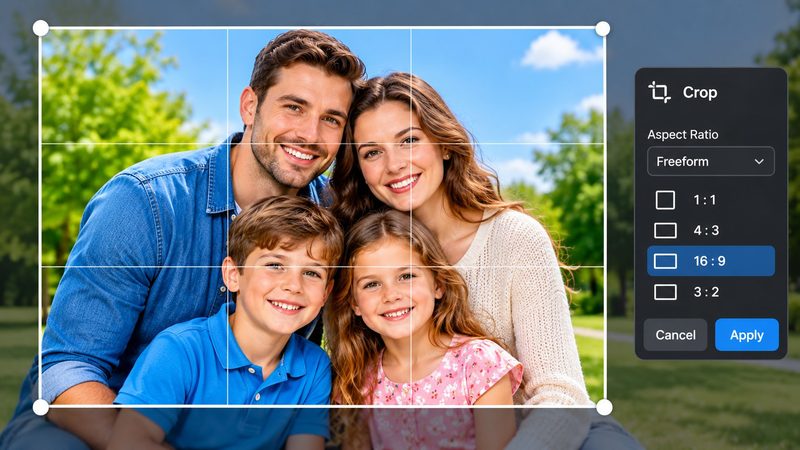
How to Crop Image Online Free
Crop image online free: drag the crop box or pick 1:1, 16:9, 4:5 or 3:2 presets and download at full resolution.
Read guide →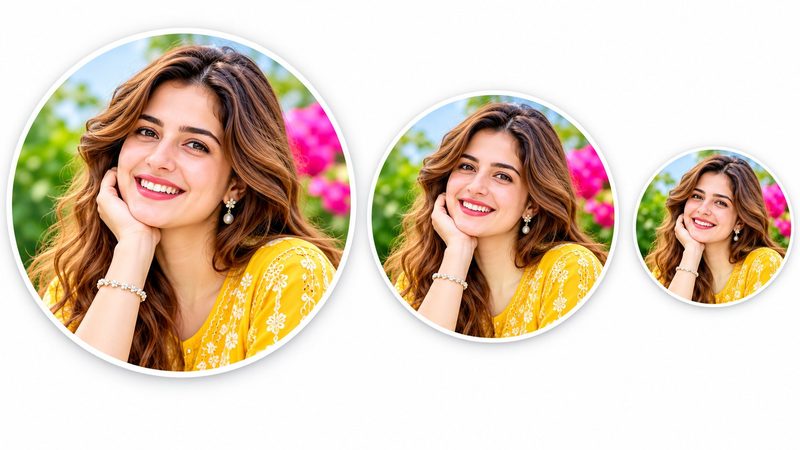
Profile Picture Maker Online Free
Profile picture maker online free: make a circle profile picture with exact sizes for Discord, Instagram, YouTube, TikTok, Facebook and X.
Read guide →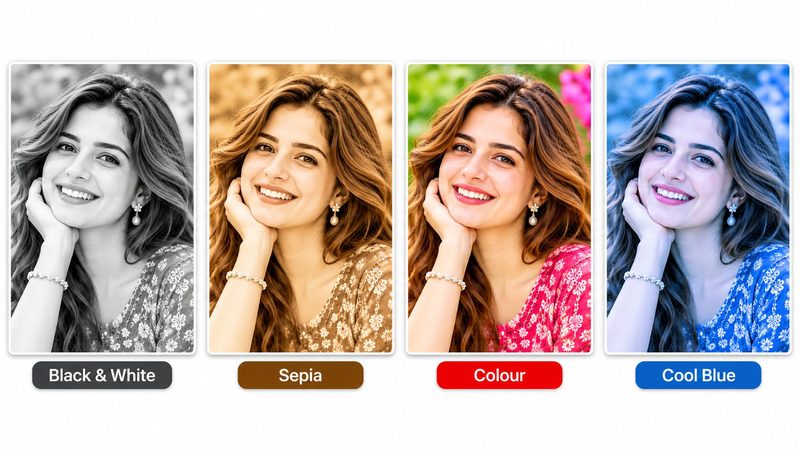
Photo Filters Online Free
Photo filters online free: Black and White, Sepia, Vintage, Vivid, Fade and Cool — with an intensity slider, in your browser.
Read guide →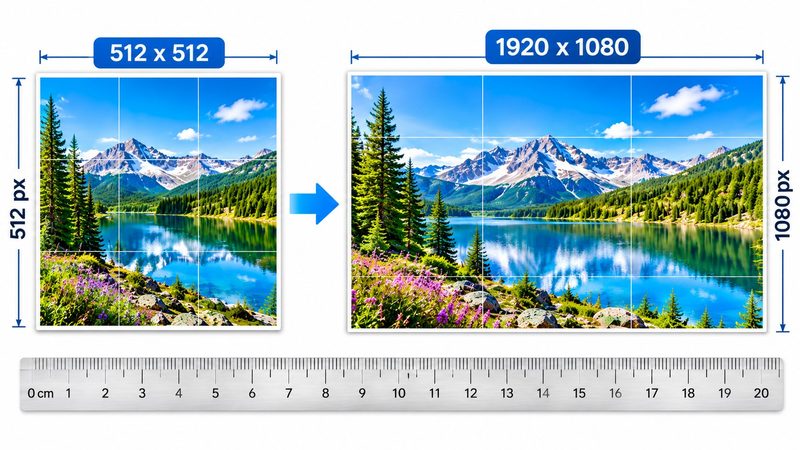
How to Resize Image to Exact Size Free
Resize image to exact size online free: 512x512, 1920x1080, 1280x720, 1080x1080, 1200x630 or a custom size — cover-crop, never stretched.
Read guide →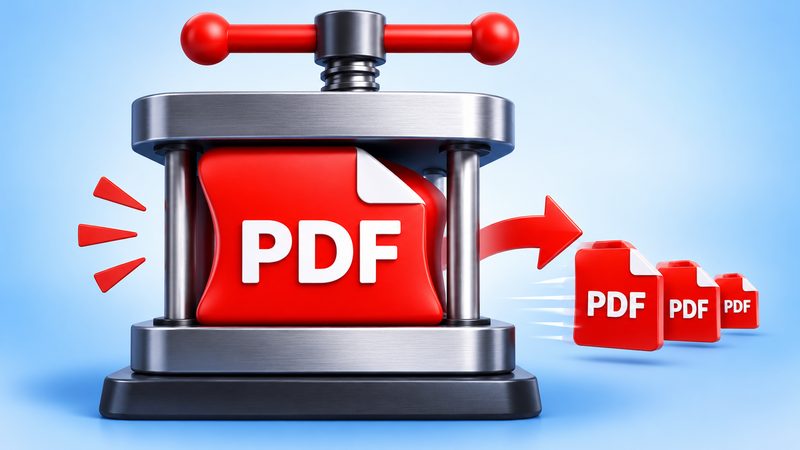
How to Compress PDF Online Free
Compress PDF online free: shrink PDF file size in your browser with PixKitTools' PDF Compressor. Optimize or compress pages to JPG quality.
Read guide →